
For convenience, all Improvement Logs that have been raised from or linked to an Incident Log can be managed from that Incident Log’s record using its Improvement Logs tab.
This article provides guidance on managing your Incident Logs’ Improvement Logs, and covers:
- Viewing an Incident Log’s Improvement Logs
- Exporting an Incident Log’s Improvement Logs
- Unlinking Improvement Logs from Incident Logs
*****
View an Incident Log’s Improvement Logs
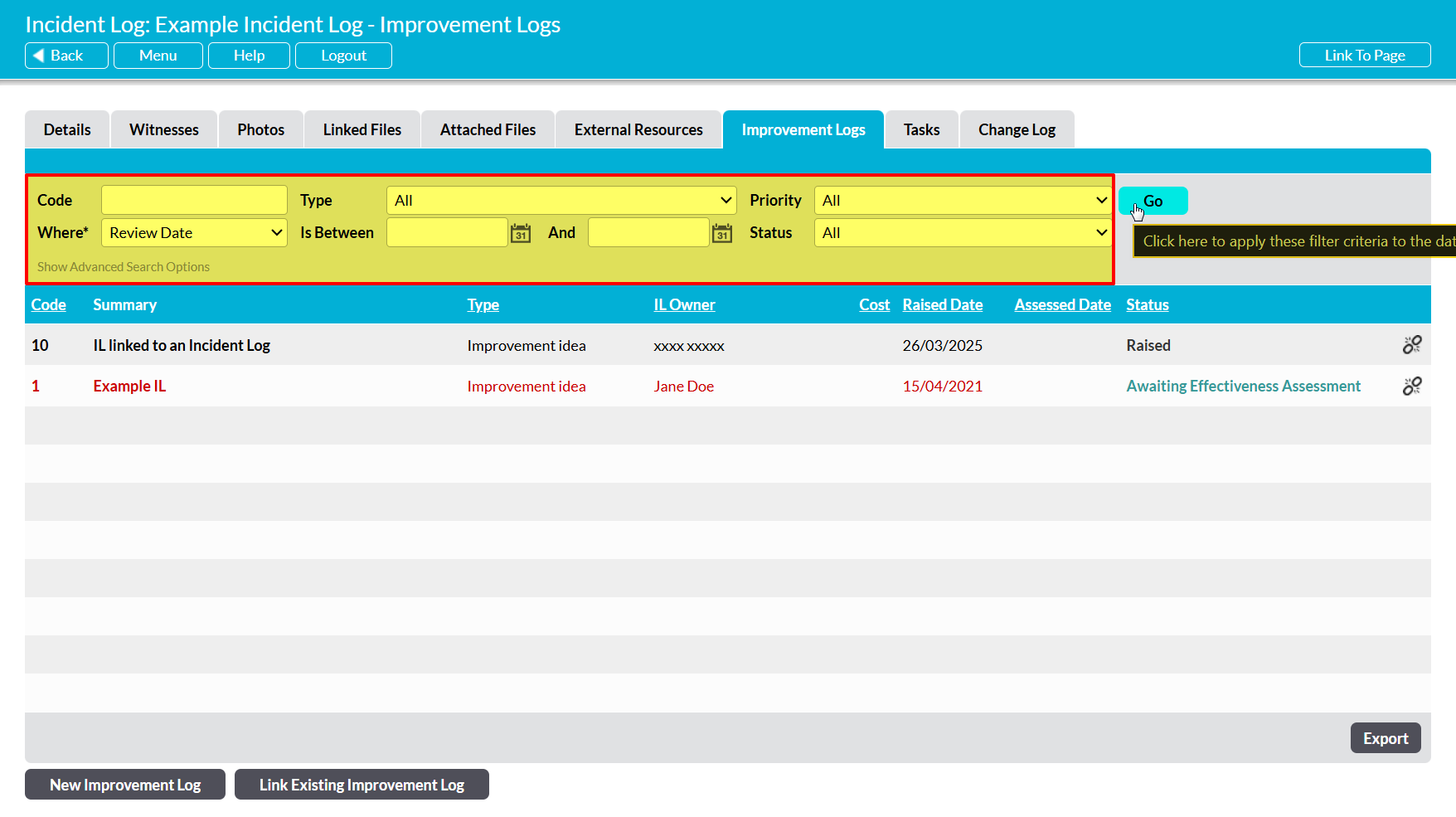
To view an Incident Log’s linked Improvement Logs, open the Incident Log and click on its Improvement Logs tab. This will open a register of all Improvement Logs that are currently linked to the Incident Log. By default, Improvement Logs will be listed chronologically by their Code, but you can also order them by Type, IL Owner, Review Date, Cost, and Status by clicking on the corresponding column headings.

In addition, you can narrow the list of Improvement Logs shown within the register using the search options at the top of the screen.
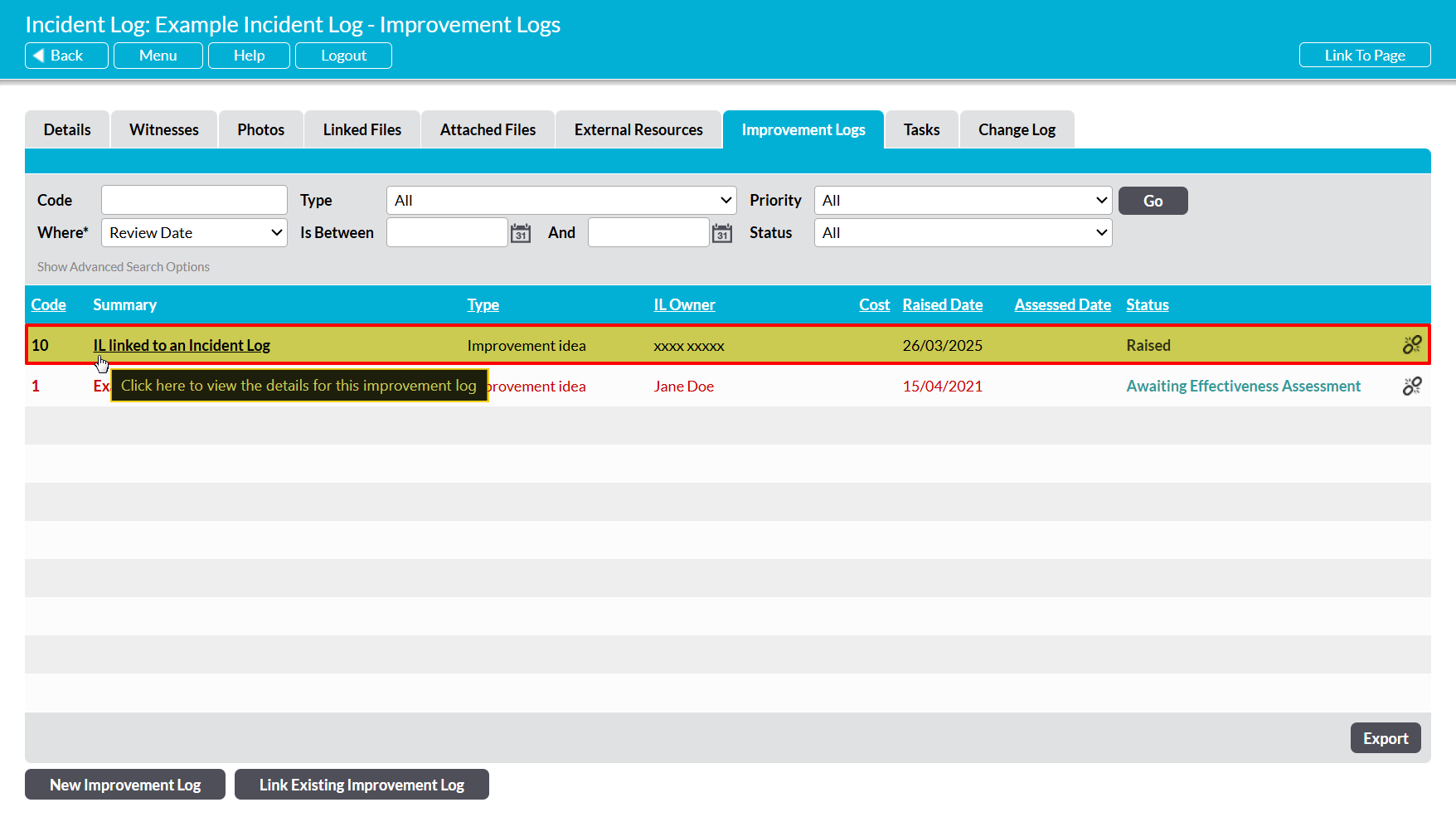
To open an Improvement Log and view its details, click on its Summary.
*****
Export an Incident Log’s Improvement Logs
To export an Incident Log’s Improvement Logs, open the Incident Log on its Improvement Logs tab and click on the Export button at the bottom of the screen.
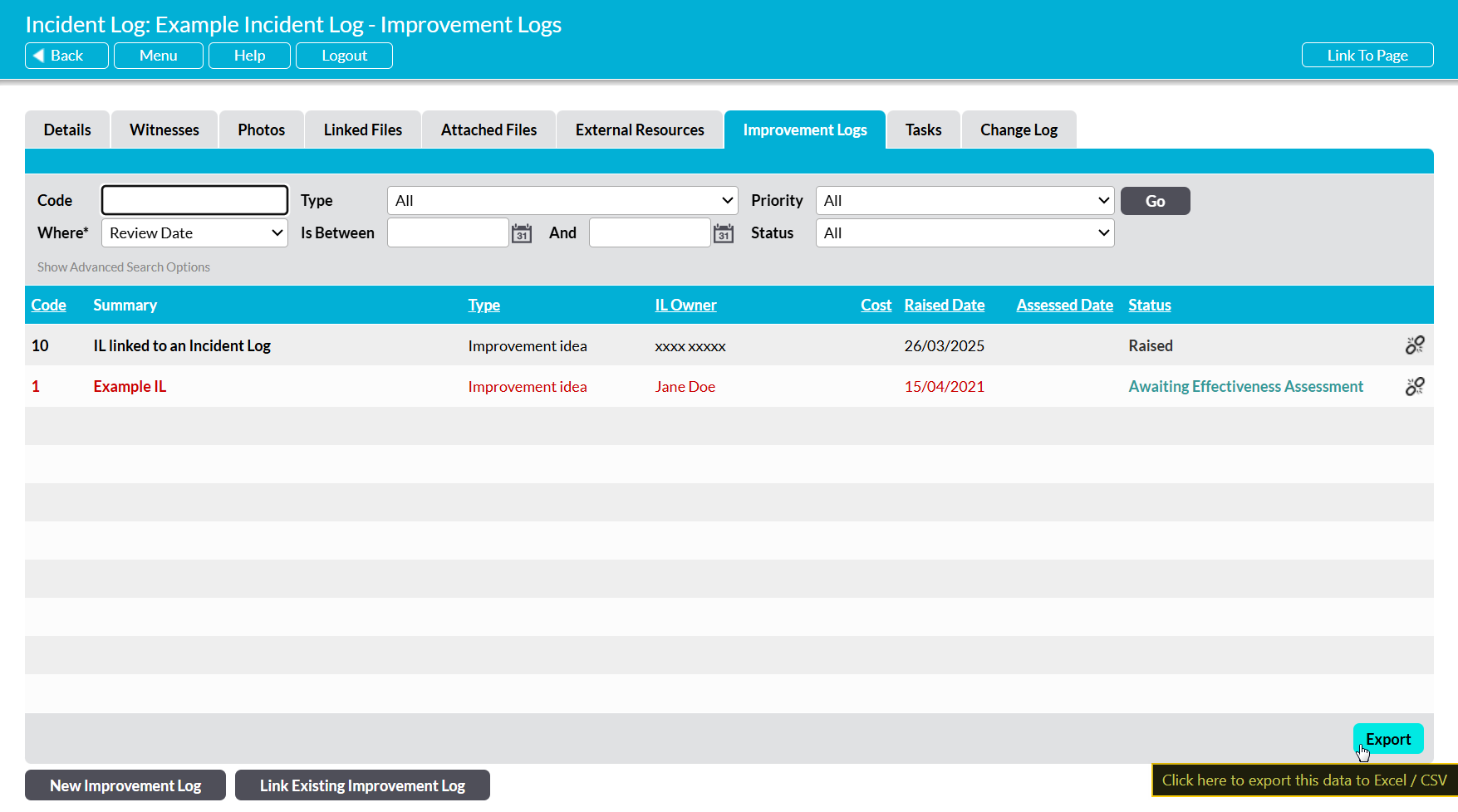
The CSV file will automatically download to your computer.
Note that download behaviour is controlled by your browser settings. If the CSV file does not download as expected, we recommend that you check your browser settings to ensure that they are properly configured.
***
Unlink Improvement Logs from an Incident Log
If an Improvement Log is incorrectly linked to an Incident Log, or is no longer relevant to an Incident Log, then you have the option to break the link to remove the Improvement Log from the Incident Log’s record without removing it from your system. To do so, open the Incident Log on its Improvement Logs tab and locate the appropriate Improvement Log within the register, then click on the Unlink icon displayed to the right of the record.

You will be prompted to confirm whether the link should be broken. Click on OK, and the Improvement Log will be unlinked from the Incident Log.
