
For convenience, all Witness Statements that have been added to an Incident Log can be managed from that Incident’s record using its Witnesses tab.
This article provides guidance on managing your existing Witness Statements, and covers:
- Viewing an Incident Log’s Witness Statements
- Editing an Incident Log’s Witness Statements
- Deleting an Incident Log’s Witness Statements
*****
View an Incident Log’s Witness Statements
To view an Incident Log’s Witness Statements, open the relevant Incident Log and click on its Witnesses tab. You will be presented with a dedicated Witness Statements area, which is used to view and manage any Statements related to the Incident Log.
By default, Activ will automatically present you with the first Witness Statement that was added to the Incident Log, if at least one Statement has been added previously. To view a different Witness Statement, locate the Witness field at the top of the form, and use the dropdown menu to select the relevant Witness.
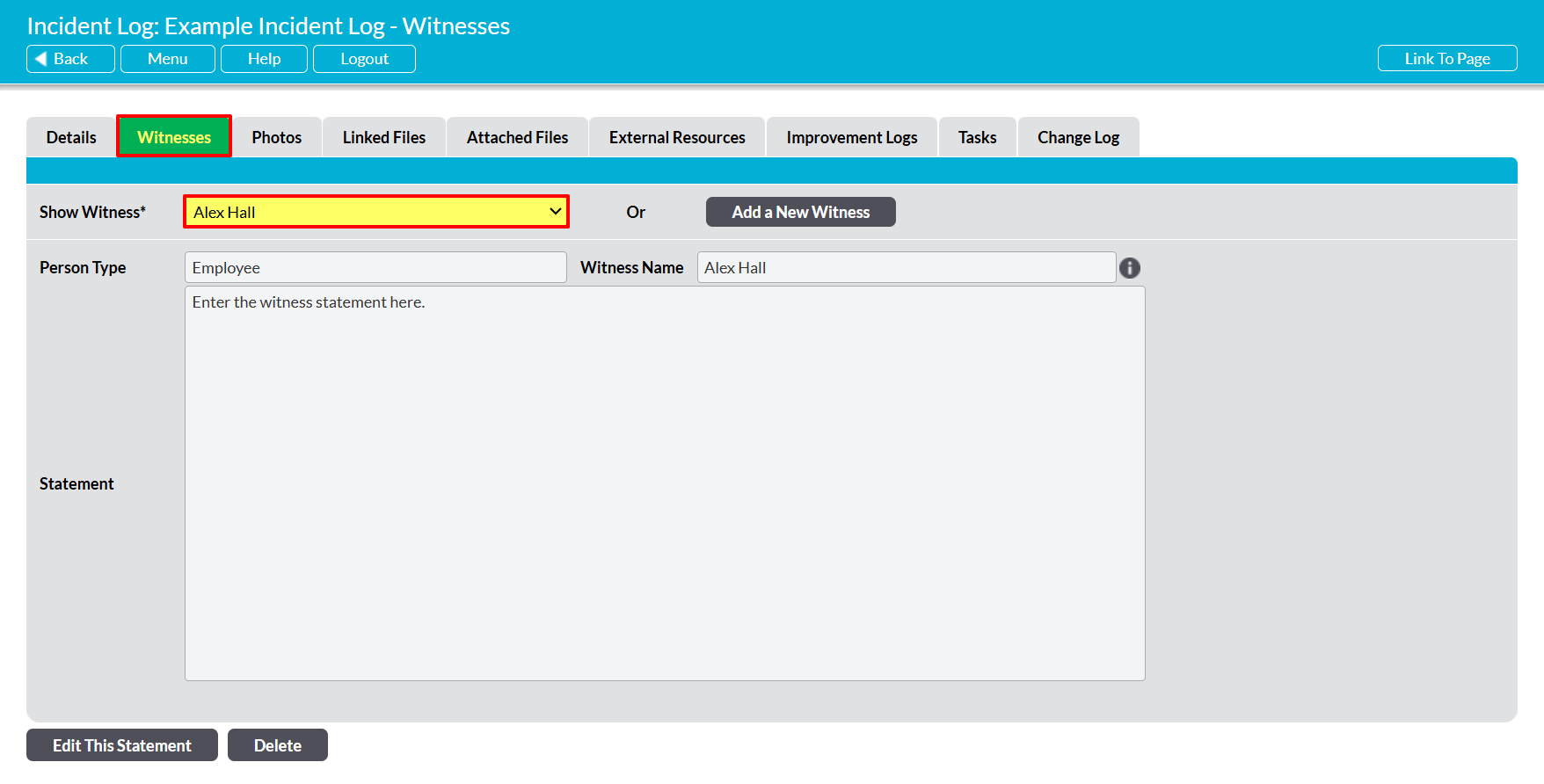
Activ will automatically refresh the page to display the selected Witness Statement.
*****
Edit an Incident Log’s Witness Statements
To edit an Incident Log’s Witness Statements, open the appropriate Incident Log on its Witnesses tab, and then use the Witness dropdown menu at the top of the page to select the appropriate Witness. Once you are viewing the Statement you wish to update, click on the Edit button at the bottom of the screen.

All fields will be unlocked for editing. Make the relevant edits to the record’s fields, and then click Save to finalise your changes.

*****
Delete an Incident Log’s Witness Statements
To delete an Incident Log’s Witness Statements, open the appropriate Incident Log on its Witnesses tab, and then use the Witness dropdown menu at the top of the page to select the appropriate Witness. Once you are viewing the Statement you wish to remove, click on the Delete button at the bottom of the screen.

You will be prompted to confirm whether the Witness Statement should be deleted. Click on OK, and the Statement will be removed from the Incident Log.
Note that deletion cannot be undone. Once a Witness Statement has been deleted from an Incident Log, it will be permanently removed from your system.
