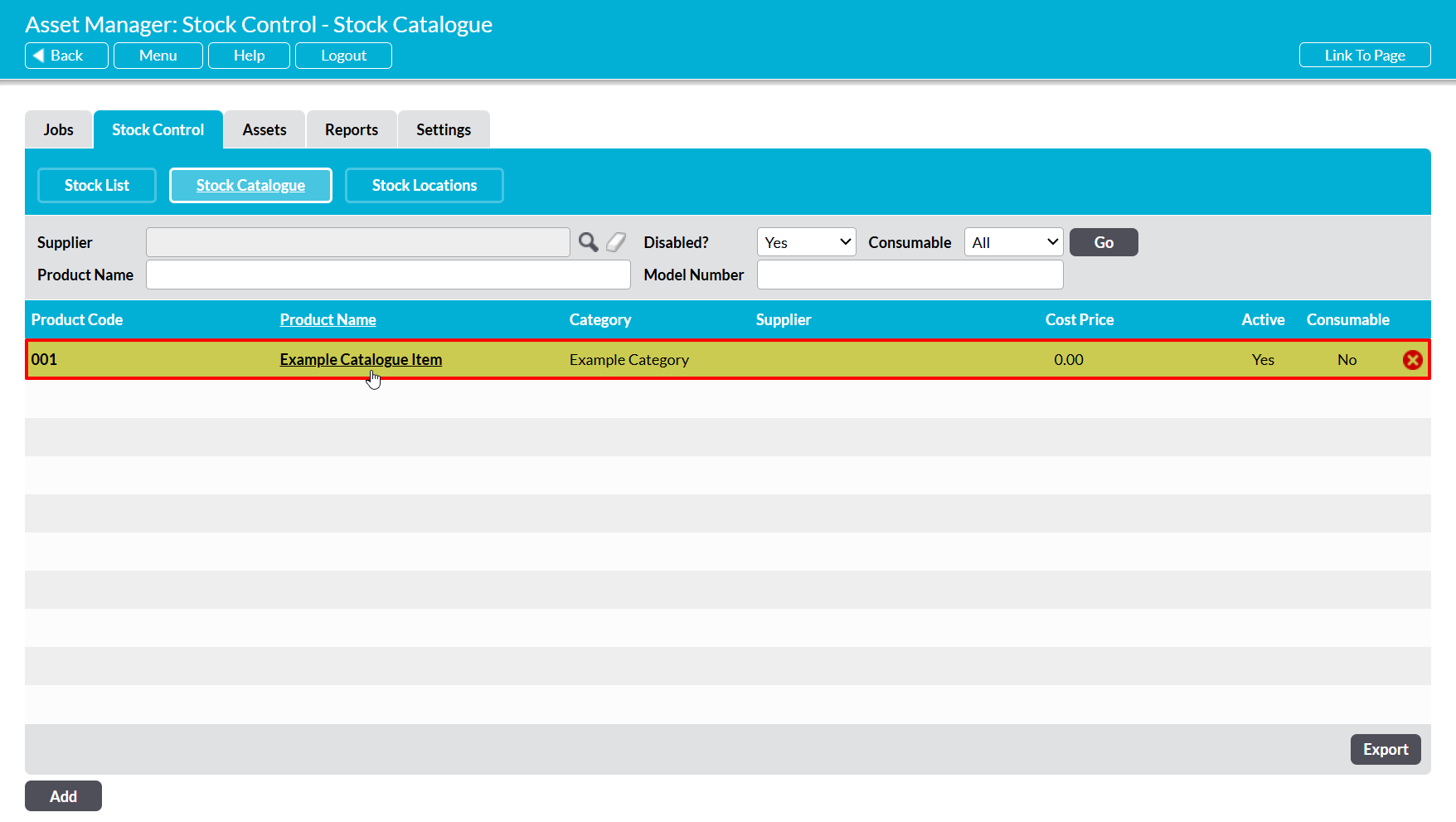
To simplify Stock administration and make it easier to determine which Stock Catalogue Items within your system are still in use, all disabled Catalogue Items are automatically hidden from the default view of the Stock Control area’s Stock Catalogue tab. This ensure that only those Catalogue Items that are still enabled, and therefore actively in use within your company, are displayed within the main register. However, the records of all disabled Catalogue Items will still exist within your system, and can be viewed at any time by anyone who has ‘Read’ or higher permissions to the Asset Manager: Stock Control area.
To view the record of a disabled Catalogue Item, open the Asset Manager on its Stock Control tab, and click on the Stock Catalogue button displayed at the top of the screen. Activ will display a list of all Catalogue Items that have been loaded into your system and that are currently live (i.e. not disabled). Set the Disabled filter at the top of the page to ‘Yes’, and then click Go.
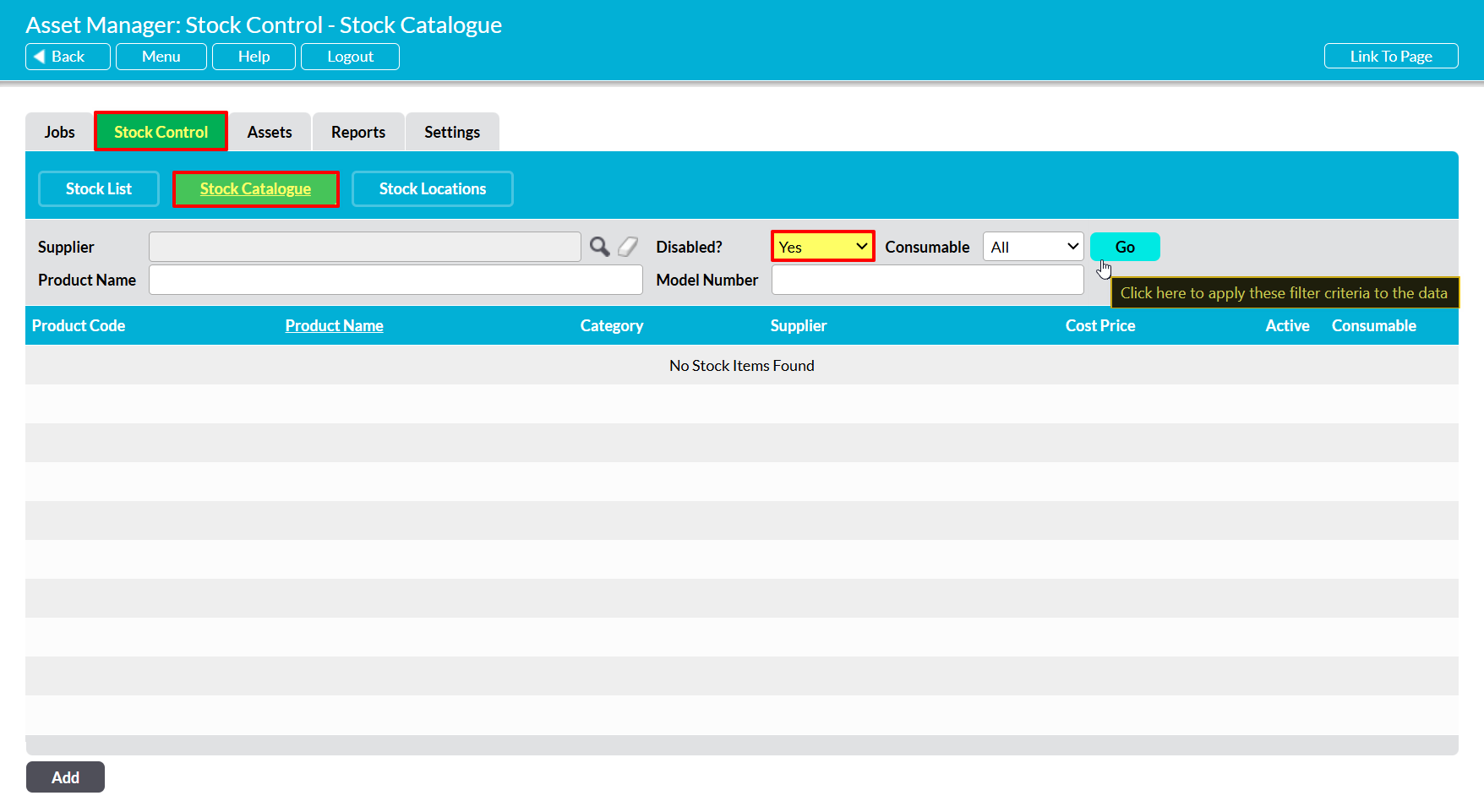
Activ will filter the register to display all Catalogue Items that have been disabled (hiding those that are still enabled). Click on any Item’s Name to open its record.