
If necessary, an individual Incident Log can be converted into a PDF for saving and printing outside of your Activ system. This allows all of the information within the Incident Log to be viewed as one document, and may be particularly useful when you have a need to send an Incident Log to a third party (e.g. a supplier or regulatory body).
Note that you can manage the properties of your Activ system’s PDFs using the Branding tab within the System Administration module (see Branding – Your Company Logo and PDF Headers and Footers).
*****
To PDF an Incident Log, open the Incident Log on its Details tab and click on the PDF button displayed at the bottom of the page.
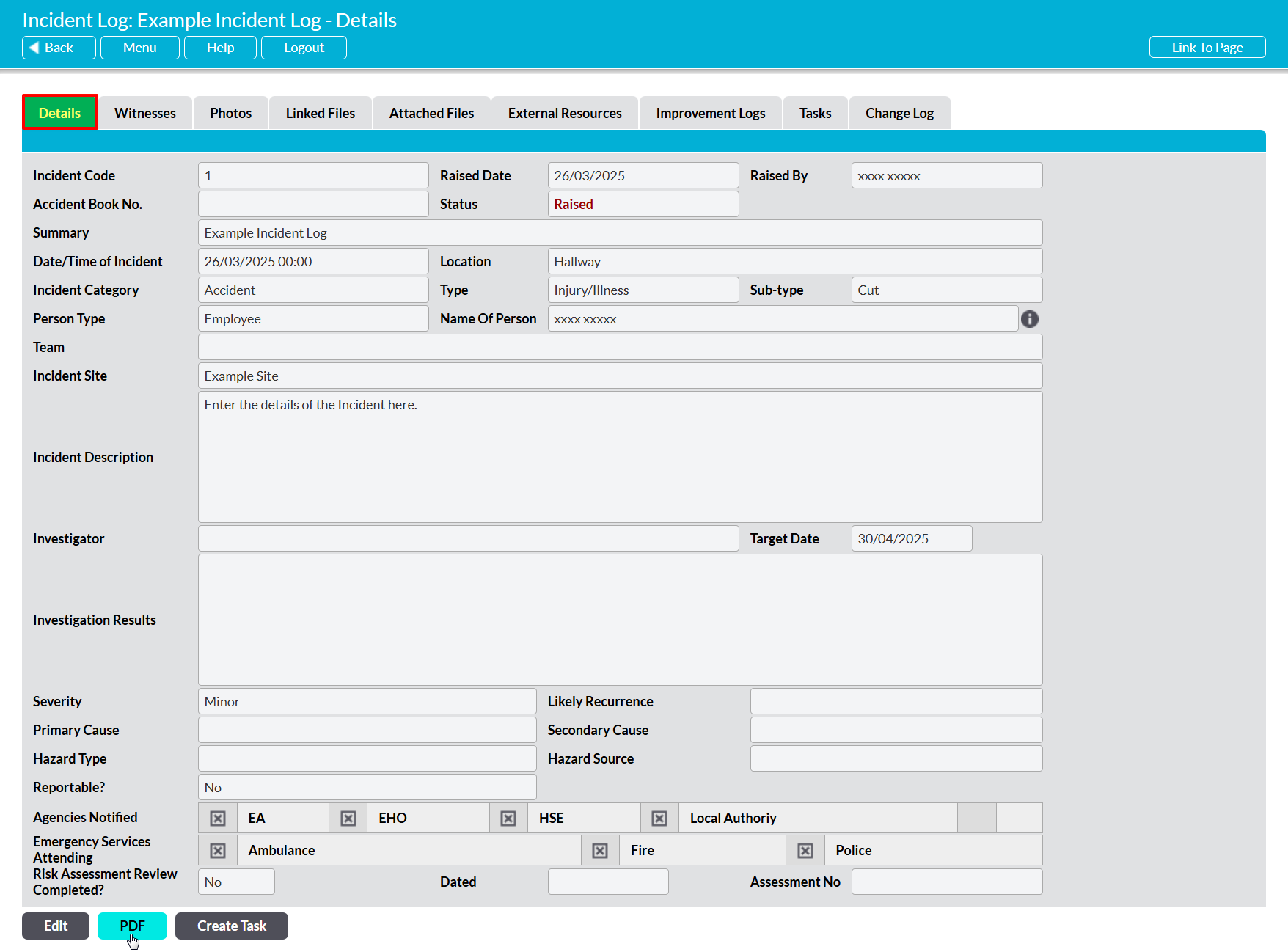
The PDF button’s behaviour may vary slightly depending on your web browser and its settings. In some cases, you may get a popup window that previews the PDF and from which you can save or print the file, whilst in others the PDF may automatically download to your default downloads location.
Note that the PDF function will only work correctly if the computer you are using has access to PDF software that is compatible with your browser. If your computer does not have appropriate PDF software, your web browser will not be able to download the file.
