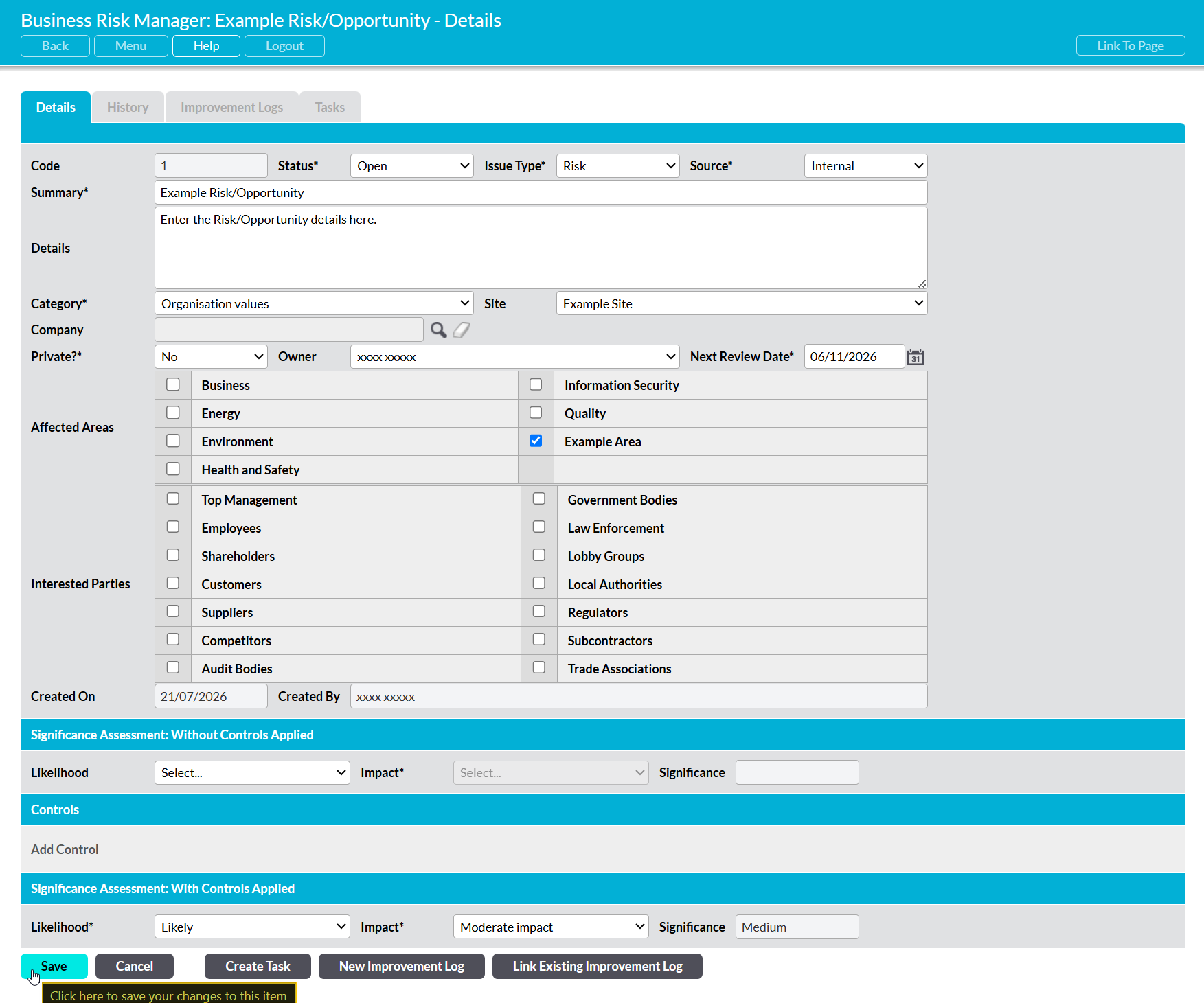
To edit a Risk/Opportunity open the Issue’s record and click on the Edit button within its Details tab.

All editable fields will be opened for editing. Make the relevant modifications to the Issue’s details, and then click Save to finalise your changes.