
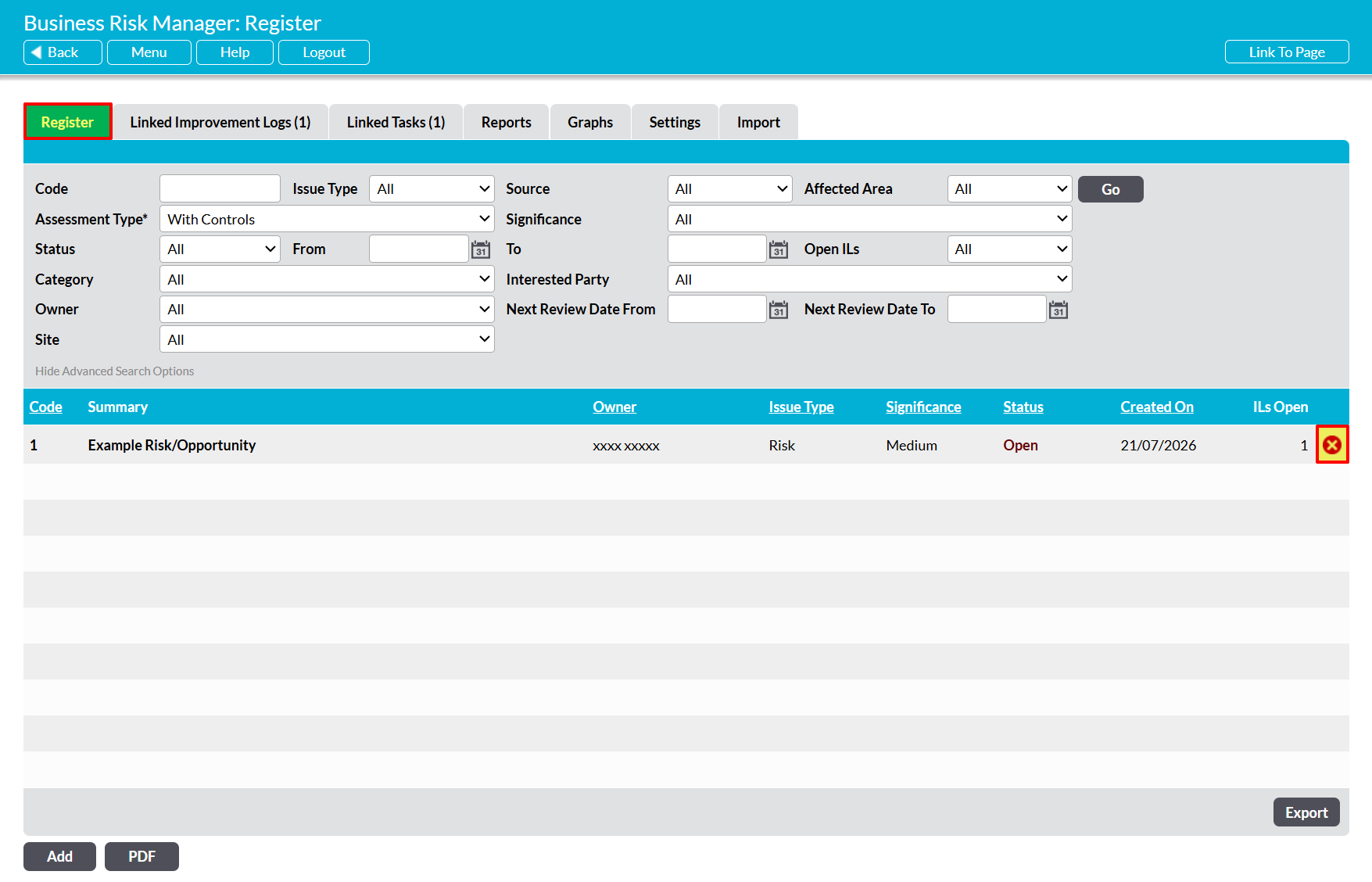
To delete a Risk/Opportunity, open the Business Risk Manager on its Register tab. This will open a list of all Issues that are currently recorded within your system.
Locate the appropriate Issue within the Register, and then click on the red cross icon displayed to the right of its record.
A popup message will appear asking for confirmation that you wish to delete the Risk/Opportunity. Click OK, and the Issue will be removed from the register.
Note that deletion cannot be undone. Once it is accepted, the Issue and its associated data will be permanently removed from your system.
